Core Confusions When Choosing a vSeeBox
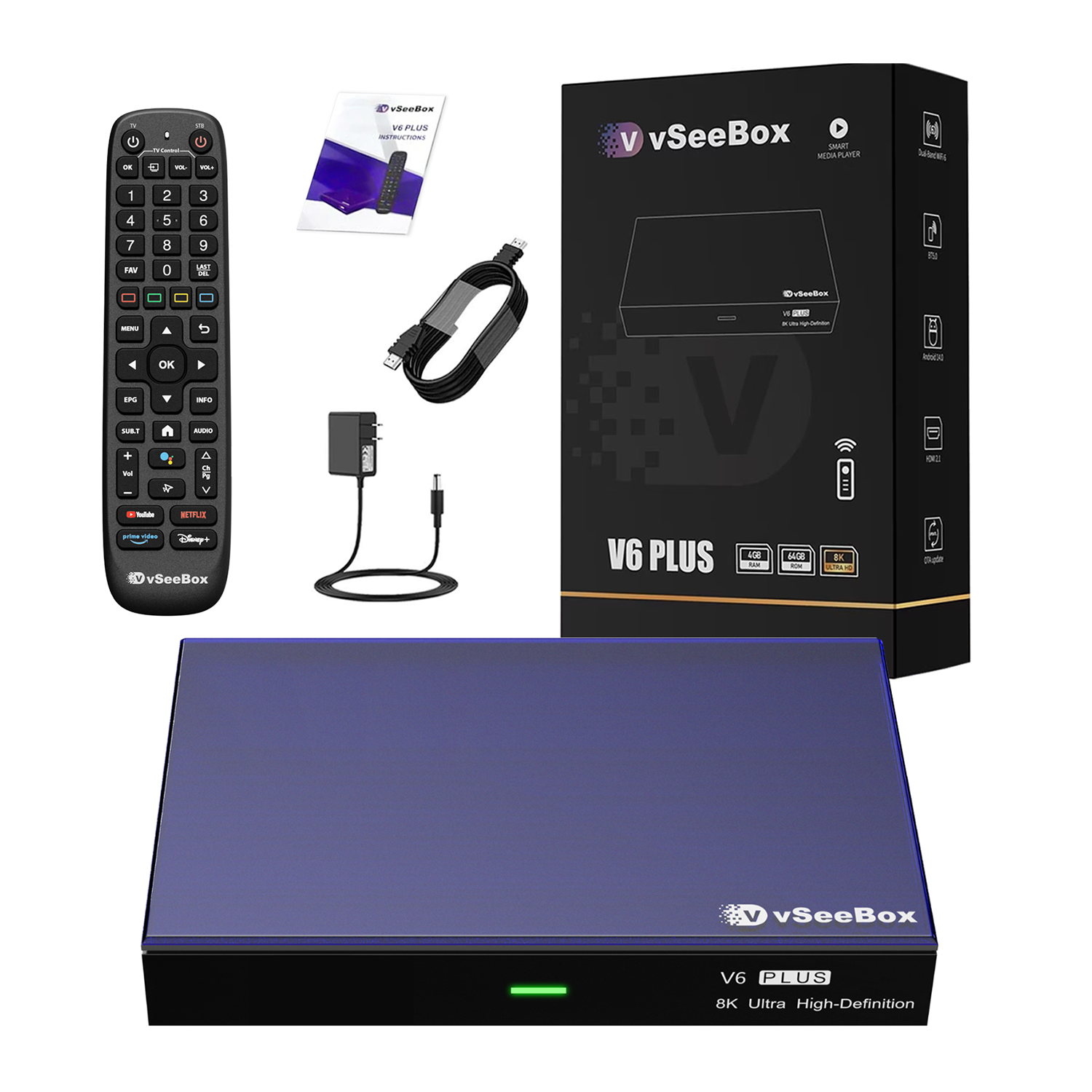
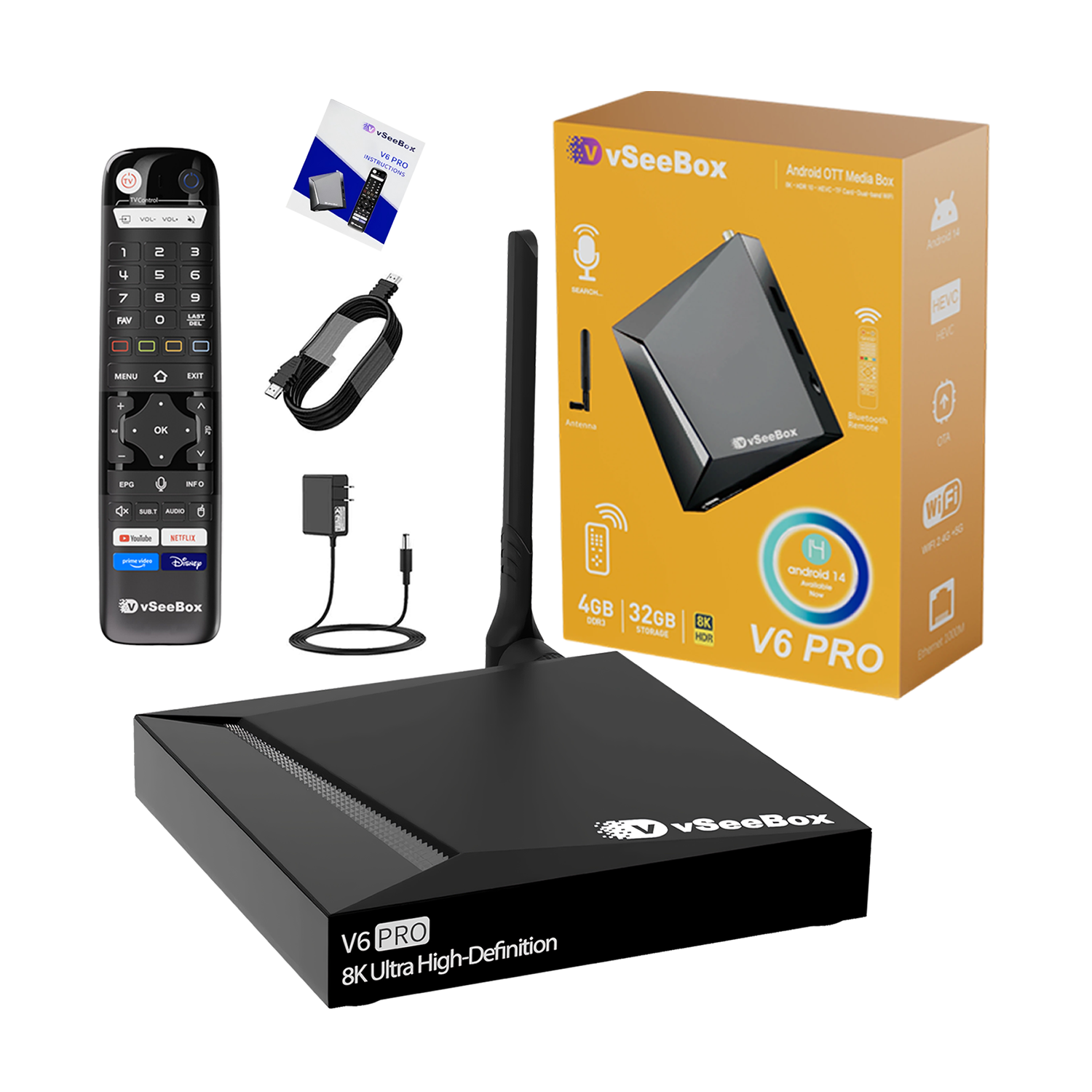
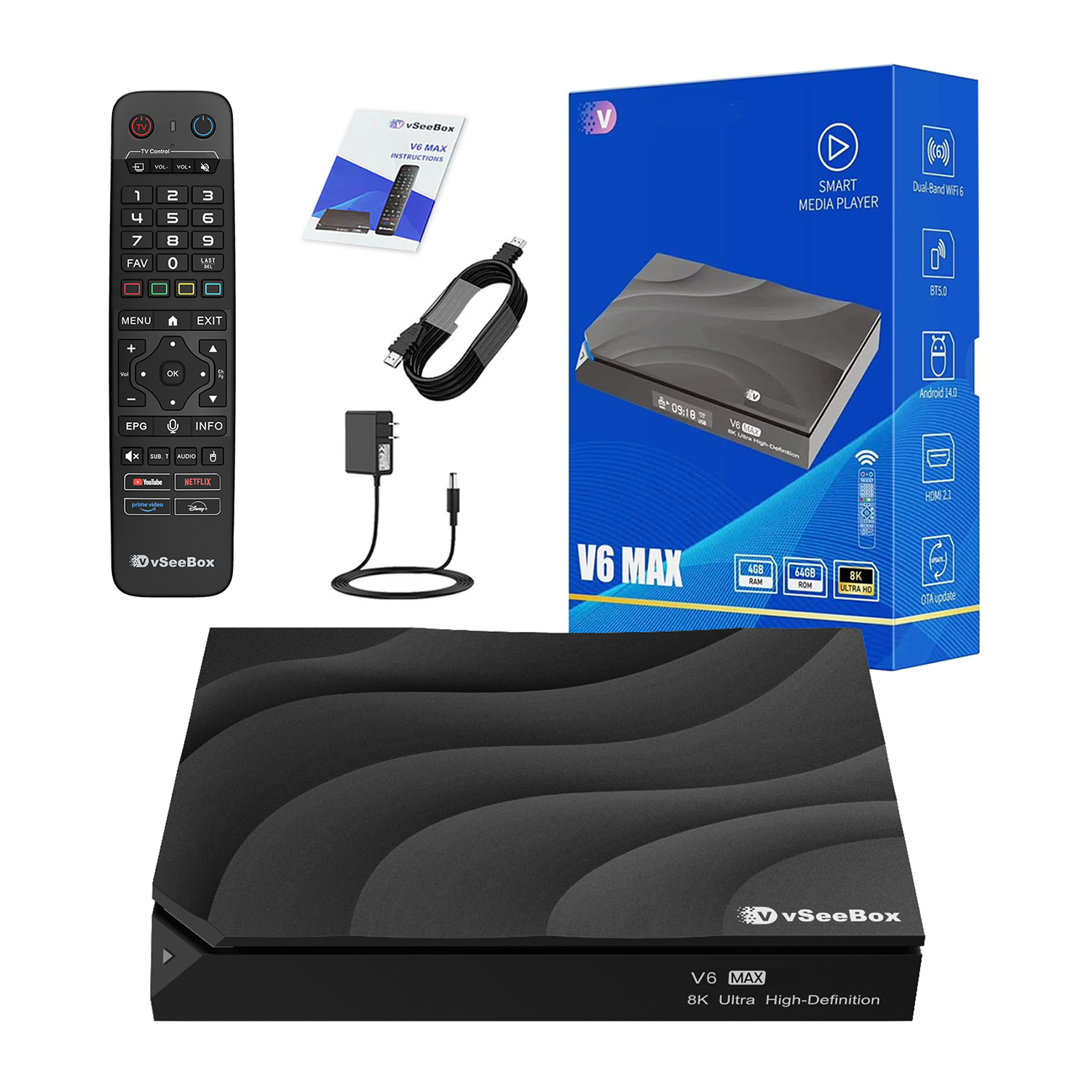
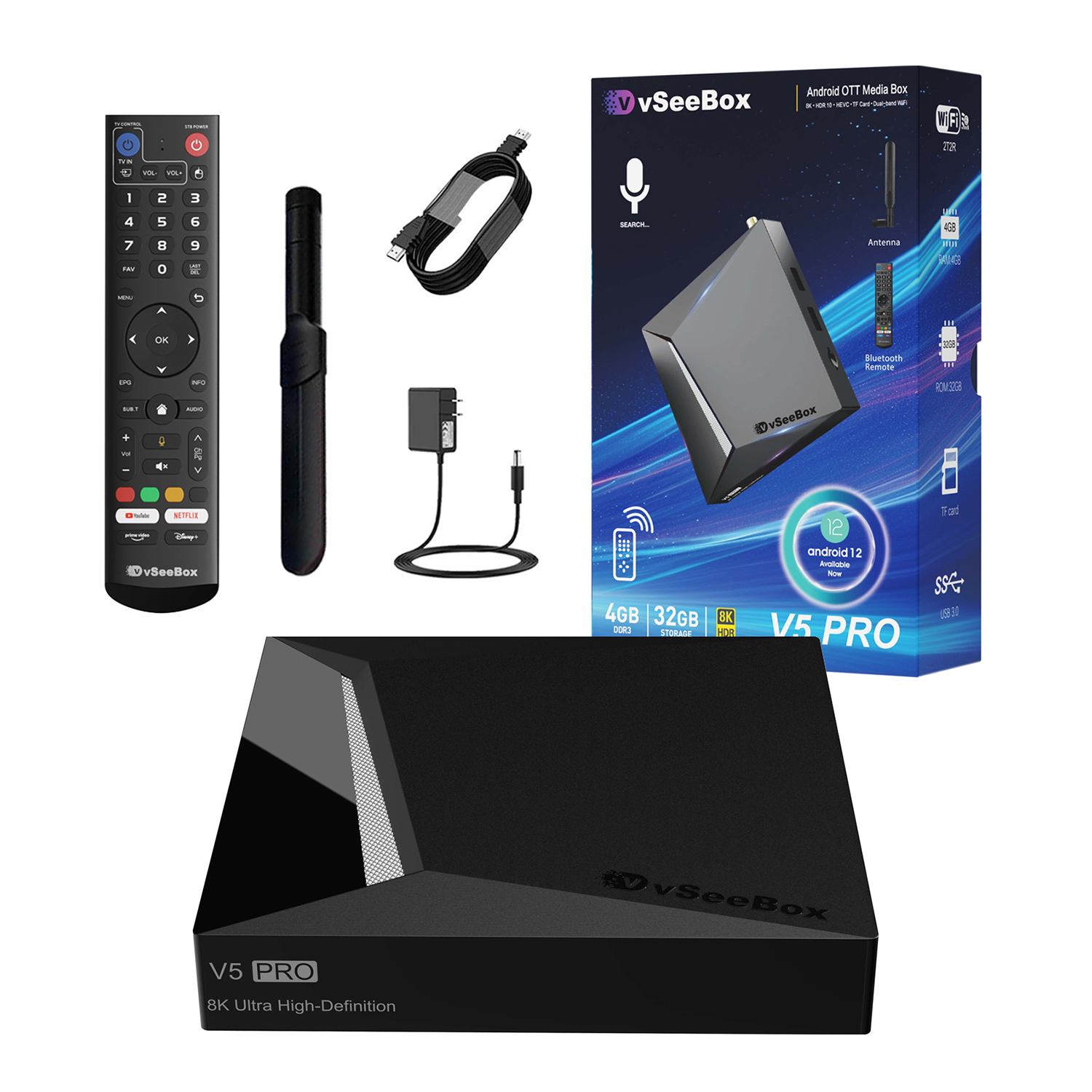
When faced with the V6 Plus, V6 Pro, V6 Max, and V5 Pro, many buyers often grapple with these three critical questions:
1. Since the content is exactly the same, why should I spend more money on a higher-end model?
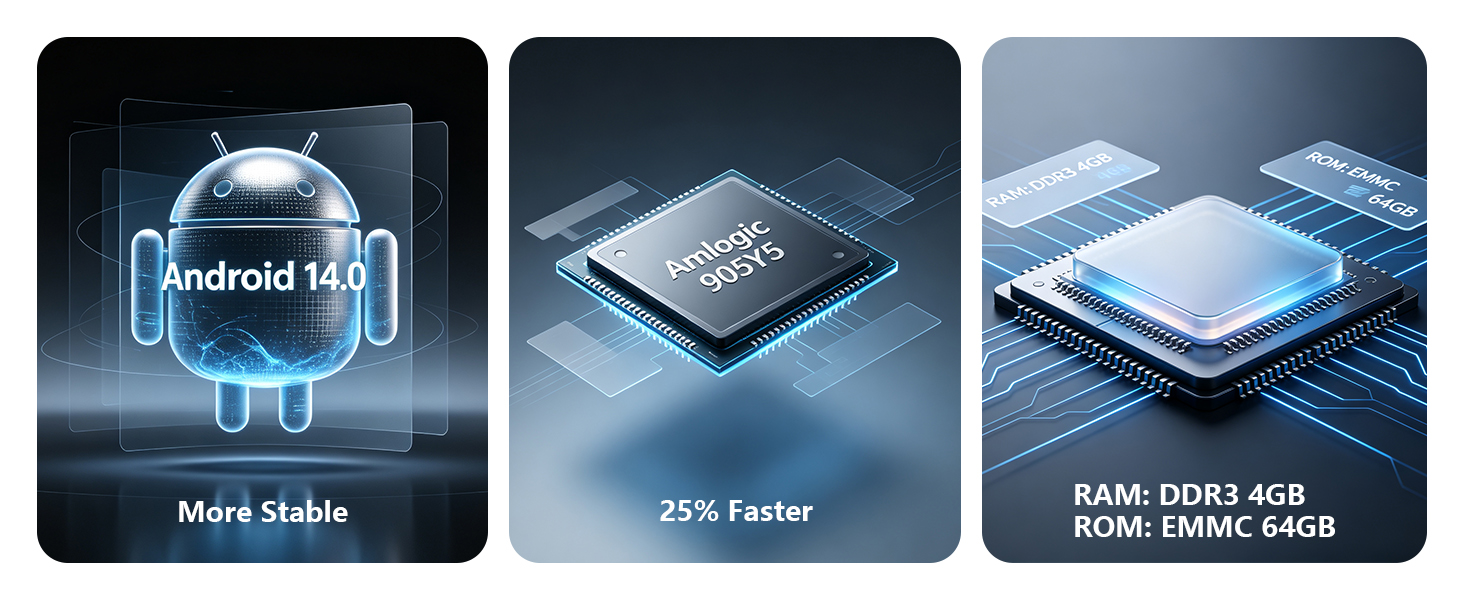
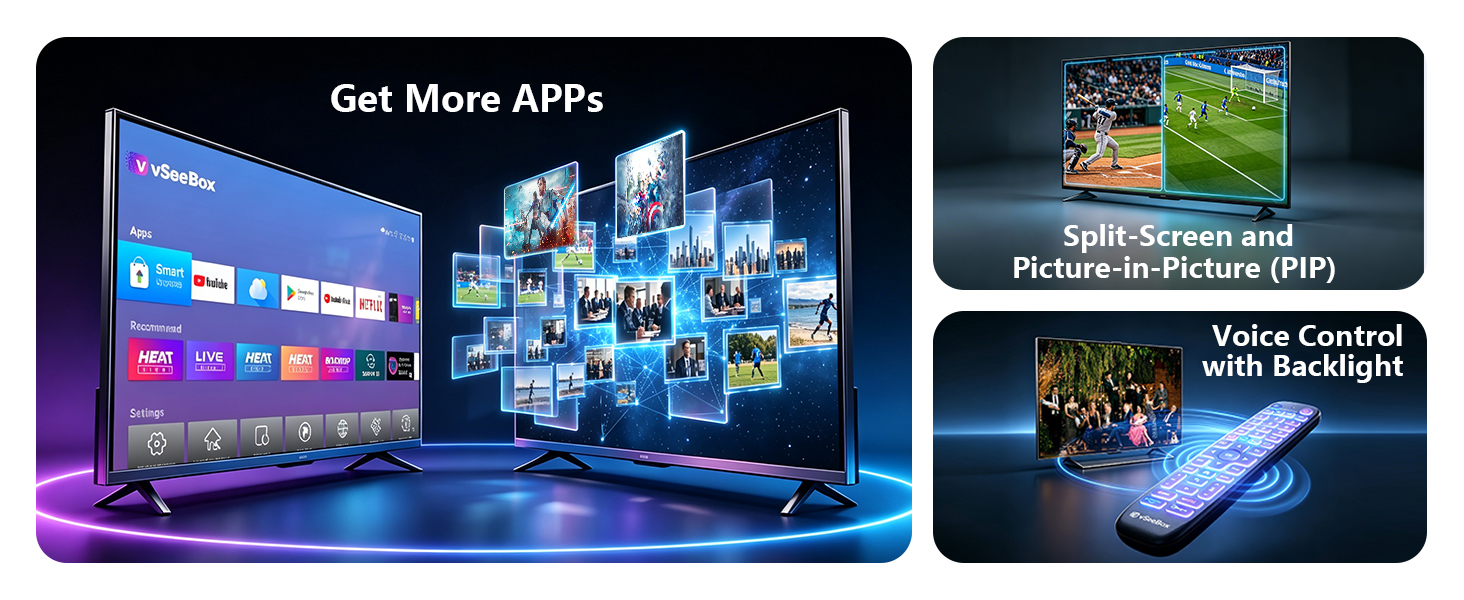
The Truth: It is true that all four models grant you access to the same Live TV, sports broadcasts, and massive video-on-demand (VOD) library. However, the hardware determines the "performance ceiling" and the "overall lifespan" of your device. Entry-level models may begin to lag after 1 to 2 years as systems update, requiring frequent cache cleaning to stay smooth. In contrast, higher-end models (such as those equipped with 4GB DDR4 RAM) guarantee 3 to 5 years of butter-smooth performance and won't stutter even when utilizing heavy features like Split-Screen to watch multiple live sports matches at once.
2. 64GB or 32GB? Do I really have storage anxiety?
The Truth: If your primary goal is simply watching the built-in live TV and on-demand content, a 64GB storage capacity is more than enough for 95% of users. Only "tech-savvy power users"—who enjoy tinkering with third-party applications, downloading massive local KODI Blu-ray files, or playing TV games—will truly need even larger storage capacities.
3. Do the Ethernet port and Wi-Fi specifications really make a big difference for watching TV?
The Truth: Absolutely. If your router is placed in the living room while your TV box is in the bedroom, a streaming media player supporting Wi-Fi 6 will deliver significantly lower latency and stronger anti-interference capabilities after the signal passes through walls. On the other hand, if you prefer a wired connection, a Gigabit Ethernet port (1000Mbps)—like the one on the Pro model—ensures that high-bitrate 4K or 8K video streams seamlessly without any annoying buffering wheels.
When faced with the V6 Plus, V6 Pro, V6 Max, and V5 Pro, many buyers often grapple with these three critical questions:
1. Since the content is exactly the same, why should I spend more money on a higher-end model?
The Truth: It is true that all four models grant you access to the same Live TV, sports broadcasts, and massive video-on-demand (VOD) library. However, the hardware determines the "performance ceiling" and the "overall lifespan" of your device. Entry-level models may begin to lag after 1 to 2 years as systems update, requiring frequent cache cleaning to stay smooth. In contrast, higher-end models (such as those equipped with 4GB DDR4 RAM) guarantee 3 to 5 years of butter-smooth performance and won't stutter even when utilizing heavy features like Split-Screen to watch multiple live sports matches at once.
2. 64GB or 32GB? Do I really have storage anxiety?
The Truth: If your primary goal is simply watching the built-in live TV and on-demand content, a 64GB storage capacity is more than enough for 95% of users. Only "tech-savvy power users"—who enjoy tinkering with third-party applications, downloading massive local KODI Blu-ray files, or playing TV games—will truly need even larger storage capacities.
3. Do the Ethernet port and Wi-Fi specifications really make a big difference for watching TV?
The Truth: Absolutely. If your router is placed in the living room while your TV box is in the bedroom, a streaming media player supporting Wi-Fi 6 will deliver significantly lower latency and stronger anti-interference capabilities after the signal passes through walls. On the other hand, if you prefer a wired connection, a Gigabit Ethernet port (1000Mbps)—like the one on the Pro model—ensures that high-bitrate 4K or 8K video streams seamlessly without any annoying buffering wheels.