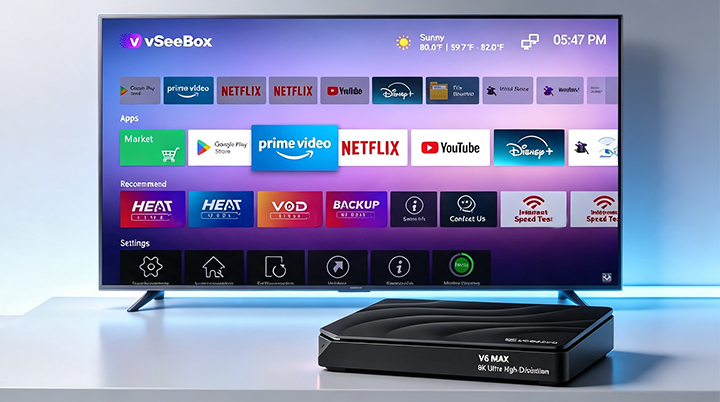
Accessing Settings: From the main home screen, the user navigates through the menu to System settings.
Navigating to Update Options: Within the settings, the user goes to Device control settings, followed by More Settings, and then selects Bluetooth OTA.
Performing the Upgrade:
The system displays the Connected Bluetooth Device List, identifying the "vSeeBox Remoter".
The user initiates the "BleOTA" update, which completes the "Installing" and "Done" phases.
The system prompts the user to place the Bluetooth remote near the box to perform the final OTA upgrade.
The upgrade process progresses through the stages of Initializing, Start, Upgrading, and finally Finish.